A stranger joined a friend's Minecraft server, so I scanned 3 million IPs
tl;dr
After a random login to a friend's Minecraft server traced back to Shodan, I built a polite IP-range scanner (whois → nmap → Minecraft server list ping) feeding Elasticsearch and a small web UI. About 3 million IPs gave about 10,000 open servers; I joined about 200 of them.
A friend of mine runs a Minecraft server. One day they checked the logs and saw a login from an IP address that looked like it belonged to a residential ISP. Nobody had given that person the address.
We looked the IP up on Shodan, a search engine that constantly scans the internet and records which ports are open where. It hosted websites for a local high school. Our guess: a student had installed Minecraft on a school computer, used Shodan to find the server, and logged in.
Finding out who it was
Then we wondered if we could find out who it was.
- His in-game name (IGN) gave nothing on NameMC.
- Google, Bing, DuckDuckGo and Yandex found a chess.com account. He played against his friends, and that was it.
- Sherlock, which checks a username across hundreds of sites, found more accounts, but nothing that identified him.
That’s when I had the idea to look in leaked databases (data breaches that circulate online). It was a bit desperate, and very unethical, and I didn’t have high hopes. It worked: a first name, a last name and an email address. Right after, we realised his Minecraft username was a pun on his real name, and a pretty funny one.
So I sent him an email (translated from French):
Hello [Name]!
I’m reaching out to ask if it was you who connected to my Minecraft server under the username [IGN]?
I’m really curious to know how you managed to get on, especially since it looks like you connected from your high school.
It would be pretty cool if you found it by scanning an IP range!
I hope I’m not barking up the wrong tree here.
Have a great day! ~molly
The next day, he replied:
Hey Molly!
It was probably me who connected to your Minecraft server, since my username is [IGN].
I found your Minecraft server through a website called Shodan (if you don’t know it => https://www.shodan.io/).
It’s a site that scans the entire internet to find open ports (for example, port 25565 in the case of your Minecraft server).
And I have a question: how did you find my email and that I’m in high school? (From my IP? My Minecraft account?)
Also, could you send me the server’s IP again? It’s possible I don’t have it anymore.
You were on the right track! And I was a bit shocked to get this email, nice job!
Have a great day! [Name]
We kept talking by email, then on Discord. He asked us a lot of questions about computer science, cybersecurity and programming in general. It was extremely wholesome.
It also reminded me that this was exactly what I did for fun as a teenager, except I stayed anonymous. So I decided to build my own IP range scanner to find Minecraft servers.
The idea
The plan has four steps, each feeding the next:
- Find out which IP ranges belong to an ISP, with
whois. - Find the addresses in those ranges with the Minecraft port open, with
nmap. - Ask each of those servers for its status: version, players, description.
- Store everything somewhere searchable, and put a small UI on top.
Step 1: which IPs belong to an ISP
I learned recently that the whois command works on IP addresses, not just domain names. It asks the regional internet registry responsible for the address who owns it and which block it’s part of. For European addresses like mine that’s RIPE. For Google’s public DNS server, whois 8.8.8.8 gets its answer from ARIN, the American registry (trimmed):
NetRange:       8.8.8.0 - 8.8.8.255
CIDR:           8.8.8.0/24
NetName:        GOGL
NetType:        Direct Allocation
Organization:   Google LLC (GOGL)
Ref:            https://rdap.arin.net/registry/ip/8.8.8.0
OrgName:        Google LLC
City:           Mountain View
Country:        US
OrgAbuseEmail:  [email protected]
The interesting fields are NetRange and CIDR. Every address from 8.8.8.0 to 8.8.8.255 belongs to Google LLC. 8.8.8.0/24 is the same range in CIDR notation: the first 24 bits are fixed, the last 8 are free.
/24, the first 24 bits name the network and the last 8 can be anything: 2⁸ = 256 addresses, 8.8.8.0 to 8.8.8.255.So I ran whois on my own IP address, took the range it returned, and ran nmap on it to find open Minecraft servers. I connected to a few by hand. Some had a whitelist, but I got onto a few of them.
Step 2: finding open ports
My first naive attempt was to send a status request to every address in the range. It worked, but it was extremely slow: scanning one ISP’s ranges would have taken days.
So instead, nmap finds the addresses with the Minecraft port, 25565, open:
nmap -p 25565 --open -n -oG - <IP_RANGE>-p 25565: only scan the Minecraft port.--open: only report open ports.-n: skip DNS resolution, which saves a lot of time.-oG -: print grepable output to stdout.
The output looks like this:
Host: 1.2.3.4 ()  Status: Up
Host: 1.2.3.4 ()  Ports: 25565/open/tcp//minecraft//
Only the addresses in that list get the slower status request.
Step 3: asking a server for its status
A Minecraft server answers a server list ping (SLP): the same request your game sends to fill in the multiplayer menu. It returns the server’s version, players, MOTD (the description line), favicon, and so on.
The JSON status response arrived in Minecraft 1.7. Before that, the client sent a 0xFE packet and the server answered with a 0xFF packet containing just the MOTD and player count.
I used an existing Go library for the ping. A response looks like this:
{
  "version": {
    "name": "1.20.1",
    "protocol": 763
  },
  "players": {
    "max": 69,
    "online": 1,
    "sample": [
      {
        "name": "Steve",
        "id": "..."
      }
    ]
  },
  "description": {
    "text": "Hello world!"
  },
  "favicon": "data:image/png;base64,...",
  "enforcesSecureChat": false
}
This server runs 1.20.1, has 1 of 69 slots taken, and says “Hello world!”. In reality, most servers don’t send the players.sample list.
Step 4: storing and browsing the results
I stored the results in Elasticsearch. It might be overkill, but it gave me full-text search on MOTDs and filters on version, country and so on.
I didn’t want the scanner writing to Elasticsearch directly: it would slow the scanner down and make it more complex. So the scanner writes JSON Lines files locally, and a separate worker loads them into Elasticsearch with the _bulk API. That also meant I could resume scans if Elasticsearch went down.
A stored document:
{
  "ip": "1.2.3.4",
  "port": 25565,
  "timestamp": "2023-08-01T12:34:56Z",
  "version": {
    "name": "1.20.1",
    "protocol": 763
  },
  "players": {
    "max": 69,
    "online": 1
  },
  "description": "Hello world!",
  "favicon": "data:image/png;base64,...",
  "enforcesSecureChat": false,
  "latency": 42
}
Some fields are normalised for easier filtering and searching: description is flattened to a plain string, for example. A retention policy deletes old data, since I didn’t need to keep it forever.
On top of that sits a small web UI: a table with the favicon, IP address, port, version, MOTD, players online, max players and latency.
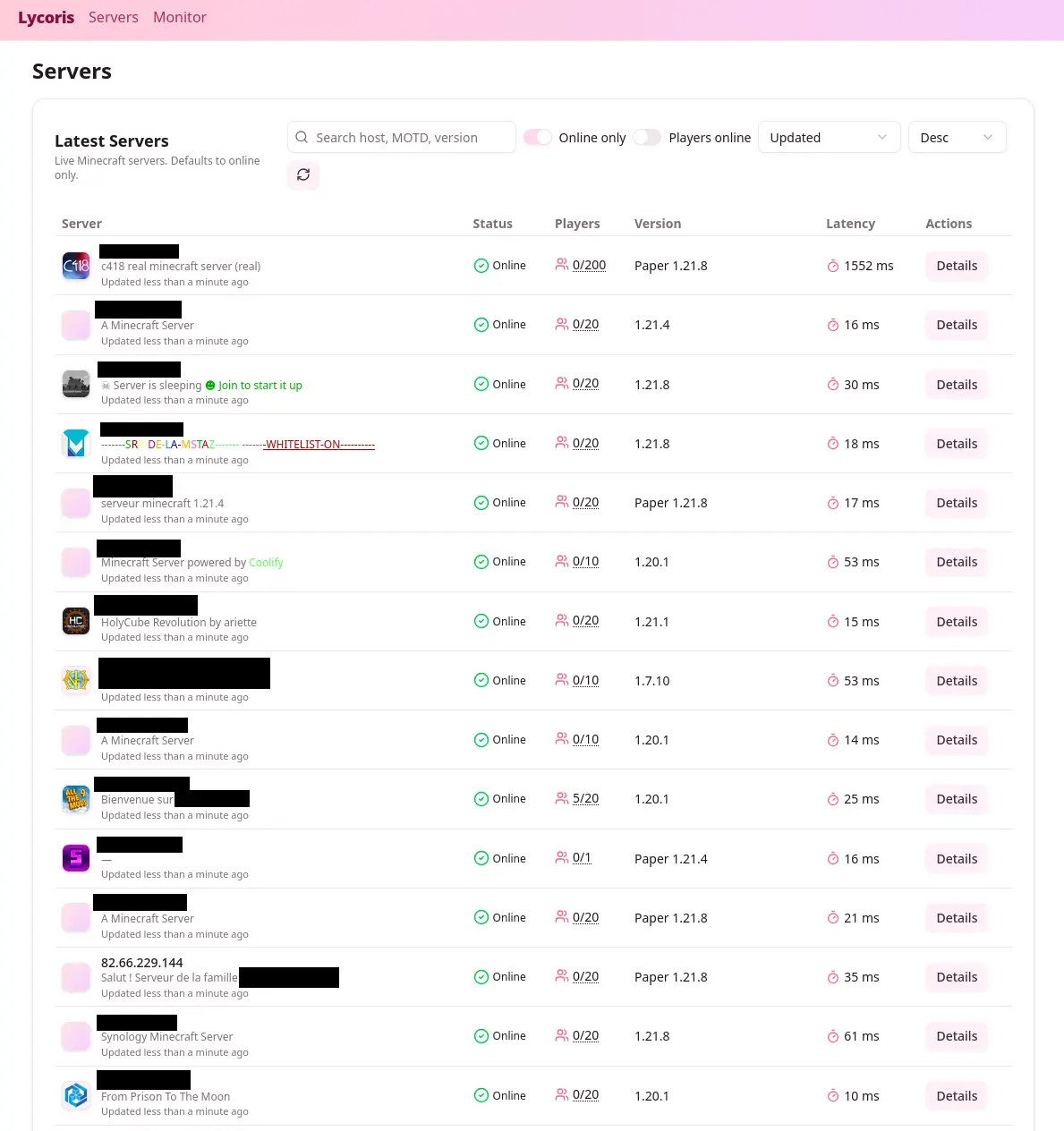
It can filter by version, country and player count, and search inside MOTDs.
Being a good netizen
Scanning IP ranges is not something to do lightly. It’s often against ISPs’ terms of service, and it can be considered intrusive. So I tried to be as polite as possible:
- The scan rate was limited to about 100 requests per second.
- Requests had jitter and exponential backoff.
- A token bucket capped the global rate across all workers.
- Block requests were respected.
If you want to run mass scans like this, don’t do it too fast or too often. Mine ran for only about a dozen hours, to index a few million IP addresses from several ISPs in France.
What I found
About 3 million IP addresses scanned, about 10,000 open Minecraft servers. I connected to about 200 of them by hand. Some had a whitelist, but I got onto a few. Most were small servers for friends. Some were more interesting.
A kid asked me for an autograph
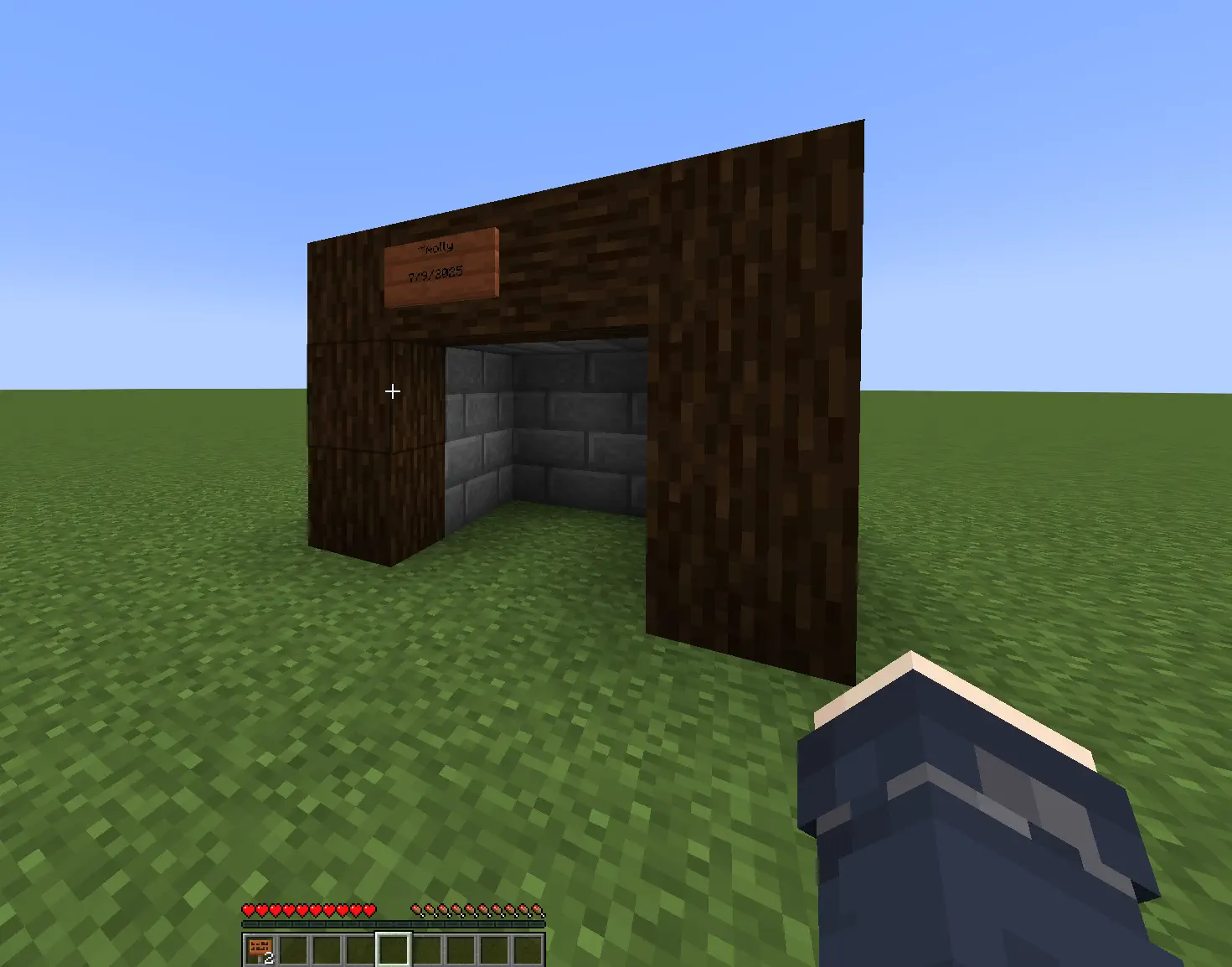
On one server, a 14-year-old asked who I was. I watched in spectator mode while he built something. Then he handed me a sign and asked for an autograph.
It made my day.
I got doxxed live (kind of)
I joined a small server with about five players. Someone insisted I share my Discord or get banned. After I joined their Discord, one guy got weirdly hostile and decided I must be a dangerous hacker.
He dug up old Minecraft usernames and confidently announced my “real name”. It belonged to a completely unrelated person from Portugal. Meanwhile, my actual name was linked on my GitHub profile.
Internet detective work at its finest.
I met an incel
Two students were playing. We chatted, then one started flirting. I declined, and he invited me to a private Discord. He added that as a woman I might not fit in, since it was only computer engineering students.
The funny part: my Discord profile already says I build software for a living. My school works hard to normalise women in tech.
Most of the time this kind of thing rolls off me. This time it felt gross.
Gamer grandpa
I found someone moving around awkwardly and not replying in chat. I crafted signs to explain how to open the chat.
He was 60, and had made a server to play with his grandson while learning the game. I told him to add a whitelist. He added me to it so I could come back. I never did, but it was very wholesome.
Cool builds
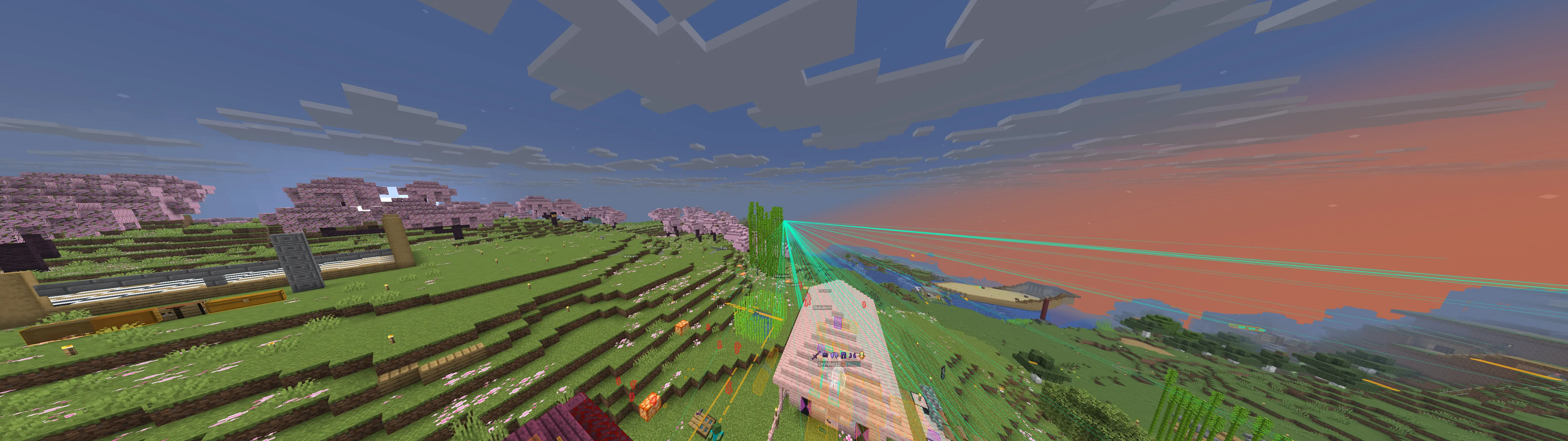
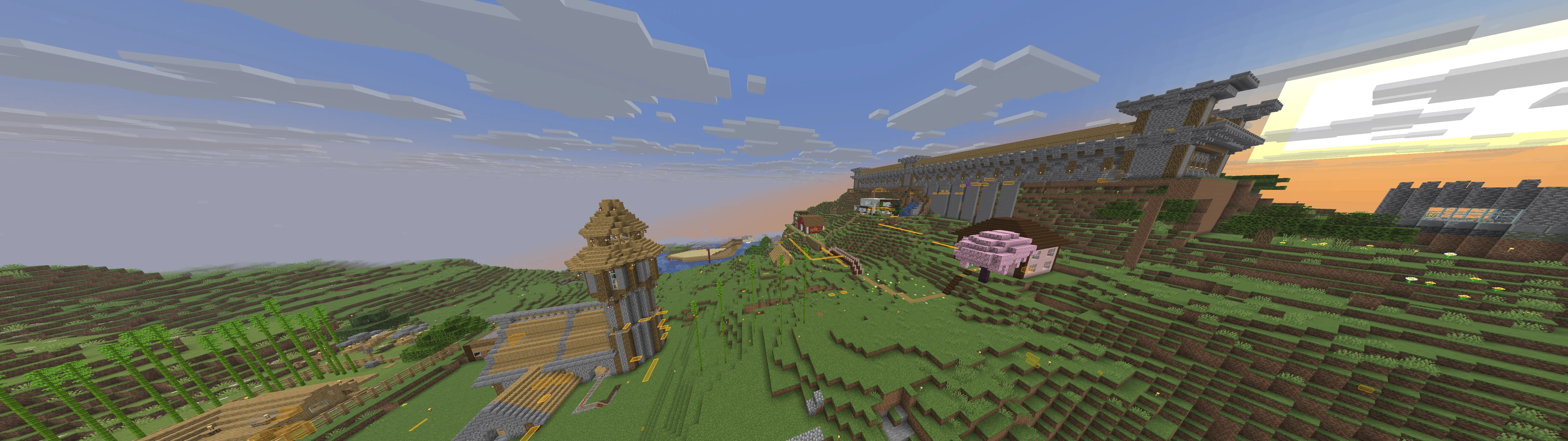
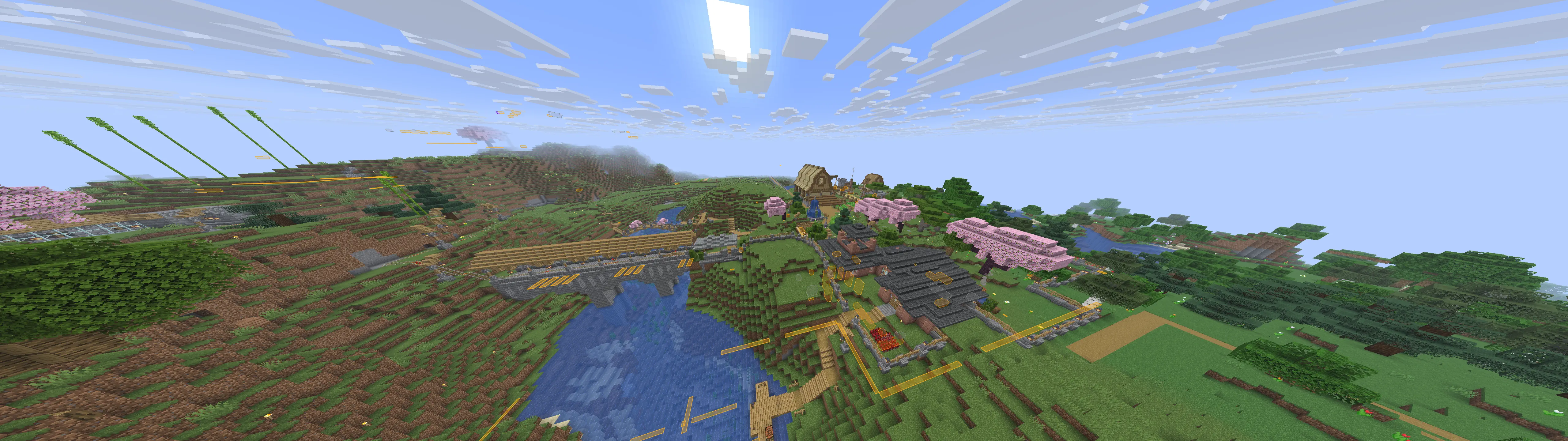
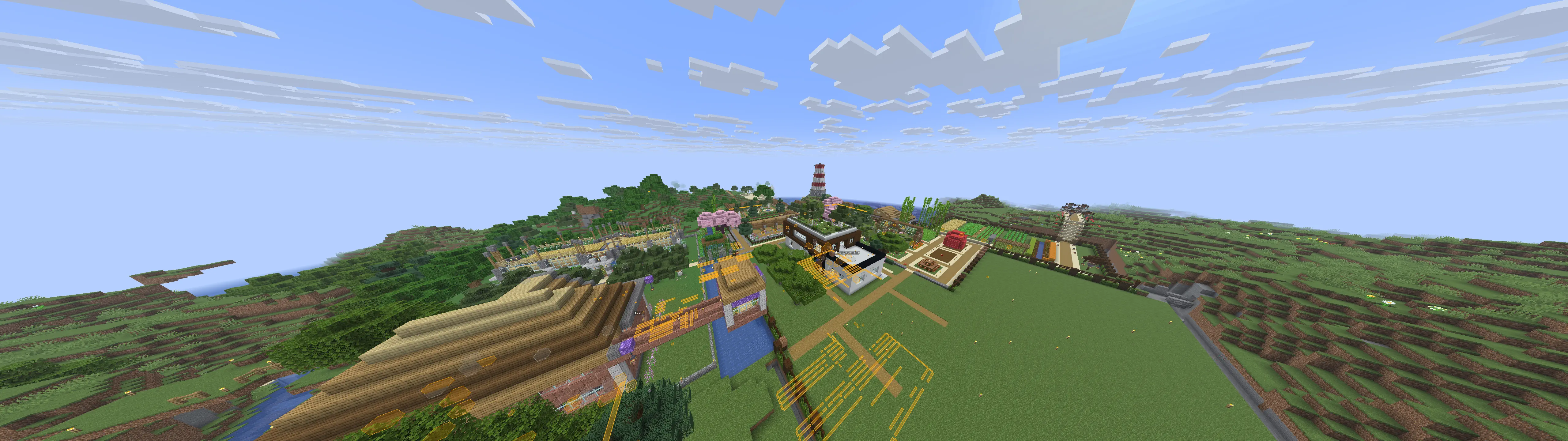
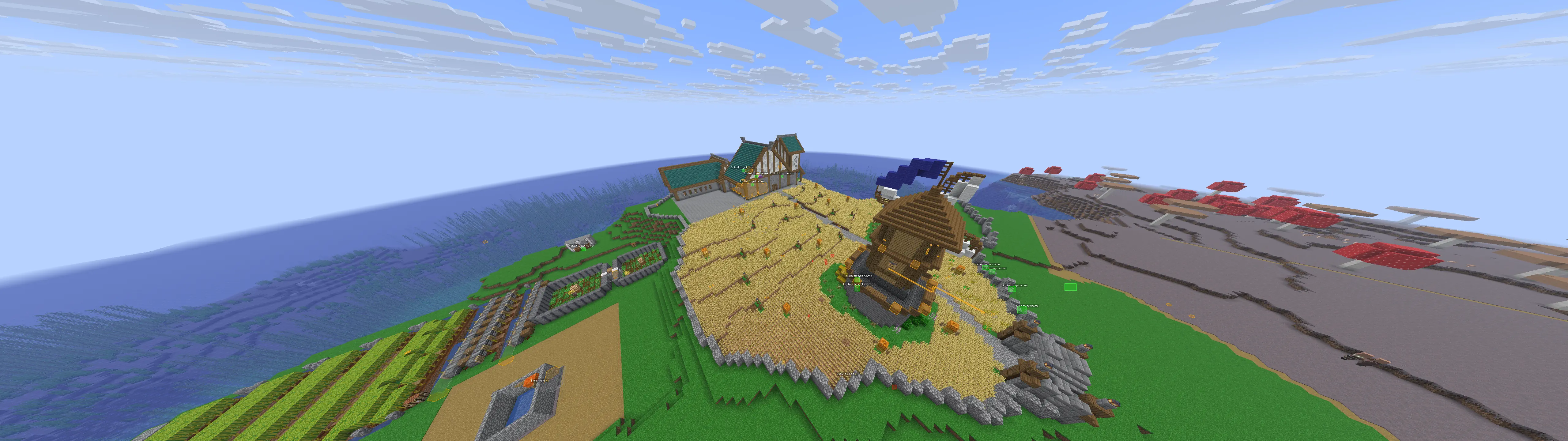
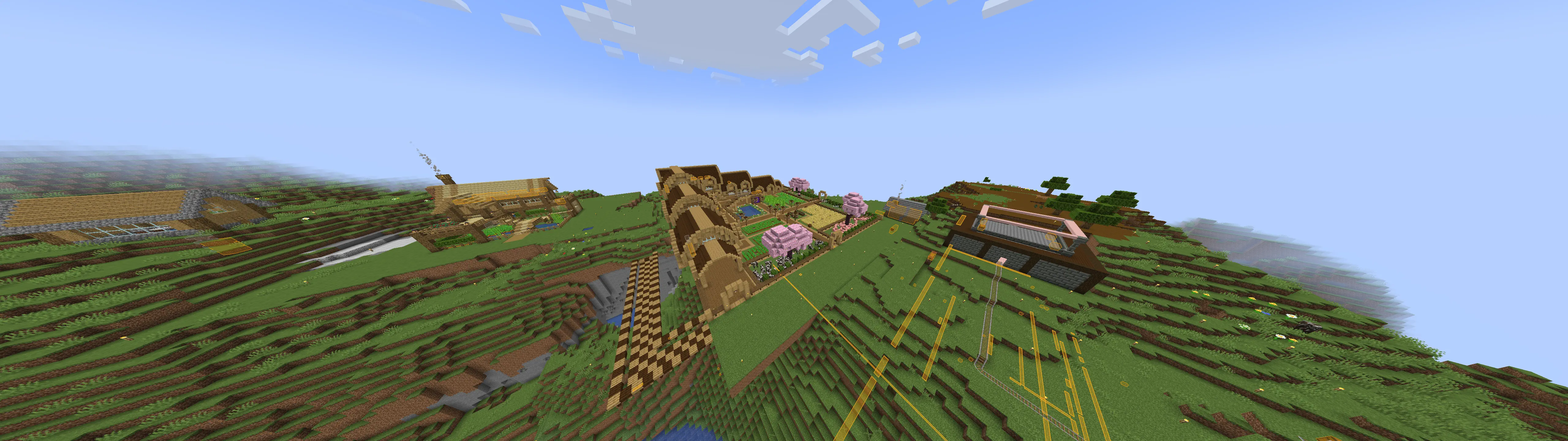
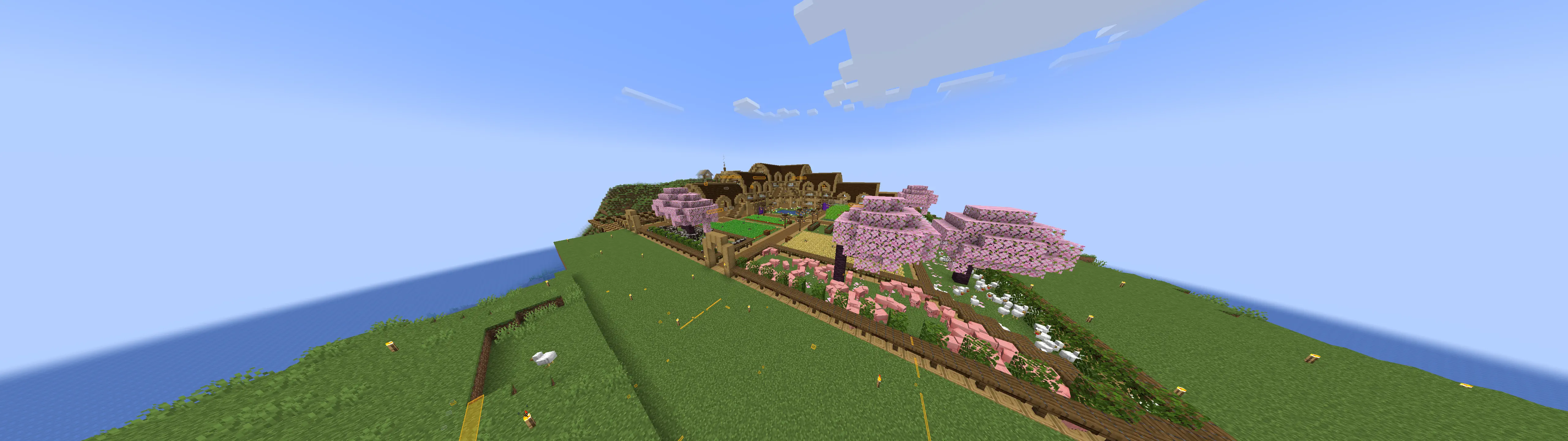
A few builds I stumbled upon. Ignore the overlays, I had cheats on.